
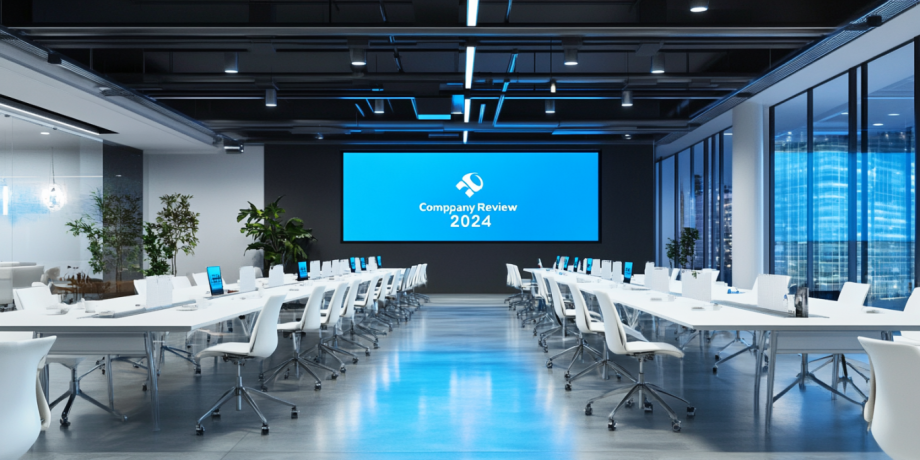
Choosing the right All-in-One LED display size is crucial for ensuring optimal viewing experiences and maximizing the display’s effectiveness in various environments. From boardrooms to classrooms to entertainment hubs, the ideal size depends on several factors, including space dimensions, audience size, and intended use. Here’s a detailed guide to help you make an informed decision.
Understand Your Application Needs of All-in-One LED Display Size
Before diving into size options, define the purpose of your All-in-One LED display. Common use cases include:
- Corporate Presentations: Impress clients and collaborators with crystal-clear visuals.
- Education and Training: Enhance engagement with interactive lessons.
- Entertainment and Gaming: Create an immersive experience at home.
- Advertising and Retail: Grab attention in stores or public spaces.
Each application has unique size requirements based on viewing distance and audience interaction.
Evaluate the Viewing Distance
Viewing distance is a key factor in selecting the display size. Use these general guidelines:
- For a small room (3–5 meters viewing distance), opt for 85–100 inches.
- In a medium-sized space (5–10 meters), consider displays between 110–130 inches.
- For large venues (over 10 meters), go for 150 inches or more.
Additionally, consider pixel pitch—the distance between LEDs. Smaller pixel pitch (e.g., 0.9mm) suits close-up viewing, while larger pitches (e.g., 1.5mm) work better for distant viewing.
Pixel Pitch and Its Impact on Viewing Distance
Pixel pitch is a key technical specification in LED displays that significantly influences viewing quality and the optimal viewing distance. It refers to the distance between the center of two adjacent pixels on the display, typically measured in millimeters. A smaller pixel pitch means pixels are packed more closely together, resulting in higher resolution and sharper image quality.
Smaller Pixel Pitch for Close Viewing
Displays with a smaller pixel pitch, such as 0.9mm or 1.2mm, are designed for environments where the audience is closer to the screen. These displays deliver superior image clarity and detail, making them ideal for:
- Corporate meeting rooms where fine details like graphs and text need to be clearly visible.
- Control rooms where operators rely on precise visuals for decision-making.
- High-end retail displays showcasing premium products with intricate details.
At short viewing distances (3–5 meters), a small pixel pitch ensures the individual LEDs are not noticeable, creating a seamless and immersive visual experience.
Larger Pixel Pitch for Long Viewing Distances
For environments where the audience views the display from farther away, such as event venues or outdoor advertising, larger pixel pitches like 1.5mm or 2.5mm are more suitable. From a distance, the eye perceives the pixels as a single cohesive image, making higher resolution unnecessary. Benefits include:
- Cost Efficiency: Larger pixel pitch displays are generally more affordable due to fewer LEDs per square meter.
- Energy Savings: They consume less power while maintaining excellent visibility from a distance.
Finding the Right Balance
The choice of pixel pitch should align with the display’s intended use and viewing distance. A common rule is to allow 1mm of pixel pitch for every meter of viewing distance. For instance, a 1.5mm pixel pitch is ideal for audiences approximately 1.5 meters or farther from the screen.
By matching the pixel pitch to your viewing distance, you can achieve a perfect balance of clarity, cost, and functionality for any application.
Assess Your Space Dimensions
Ensure your chosen display fits seamlessly into the intended space. Measure:
- Wall Size: Verify the wall or mounting area can accommodate the display.
- Ceiling Height: Check clearance for installation and visibility.
- Viewing Angles: Ensure there’s a clear line of sight for all viewers.
In tight spaces, rollable or foldable All-in-One LED displays can be excellent solutions.
Match the Display Size to Audience Size
The number of people viewing the display at once affects size choice.
- Small groups (5–20 people): A display under 100 inches is sufficient.
- Medium groups (20–50 people): Choose 110–130 inches.
- Large groups (50+ people): Go for 150 inches or larger.
Ensure everyone in the audience can comfortably view text and visuals.
Consider Portability vs. Fixed Installation
Decide whether your display will be stationary or mobile.
- Fixed Displays: Ideal for conference rooms and auditoriums where installation is permanent.
- Portable Displays: Great for events, trade shows, or shared spaces. These typically range between 85–110 inches for easier transportation.
Factor in Budget and Future Scalability
Budget considerations often guide size decisions. Larger displays typically cost more. However, investing in a larger, high-quality LED display with advanced features like Lynnhan HyperPixel technology ensures future scalability and durability.
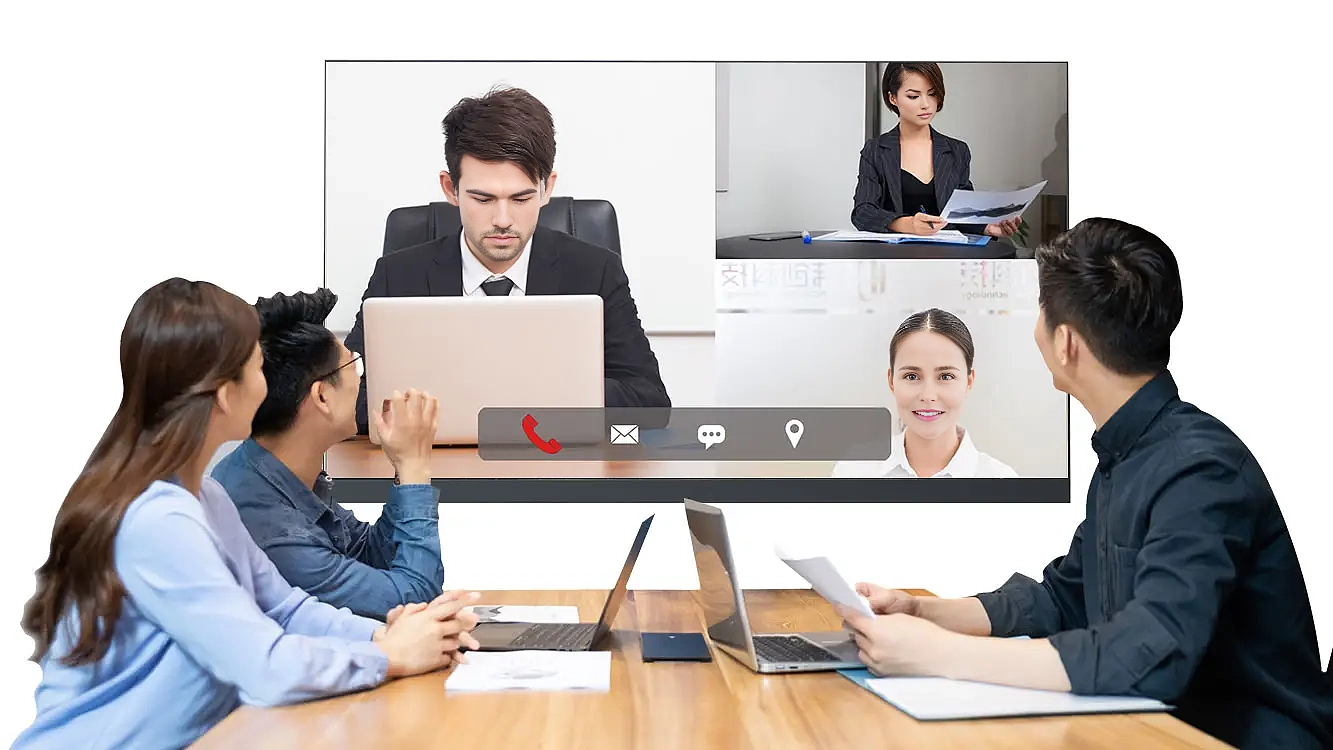
Explore Lynnhan All in one LED NeoVision
Test the Display Before Buying
Whenever possible, view a demo of the display in action. Pay attention to:
- Brightness: Ensure it meets your room’s lighting conditions.
- Clarity: Check visibility from various angles and distances.
- Ease of Use: Ensure the software and hardware features meet your needs.
Conclusion
Choosing the perfect All-in-One LED display size involves balancing space dimensions, viewing distance, audience size, and budget. By evaluating your specific needs and testing display options, you can ensure a choice that delivers maximum impact and long-term satisfaction.